


 All notifications

 Search for wishes
 All selected
 Log in


Why Every Couple Needs a Wedding Gift Registry
- Zero duplicates. Once a guest reserves a gift, it disappears from the available list for everyone else.
- Every budget covered. Add items at $20, $100, and $500 — a colleague and a grandparent can both find something comfortable.
- Guests shop with confidence. No awkward "what do they need?" conversations the week before the wedding.
- Full visibility. Once a guest marks a gift as gifted, you see exactly who it came from — useful for thank-you cards and keeping track of what has been received.
Popular Wedding Wishlist Collections




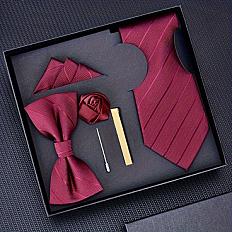

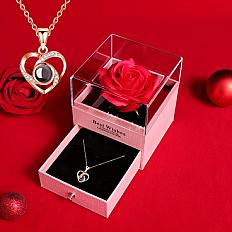
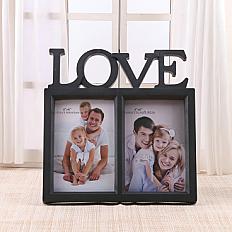




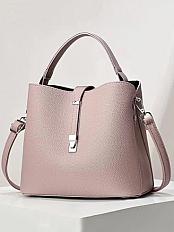


Step 1: Register a Free Account on Cadou.me
Step 2: Create Your Wedding Wishlist
- Title — name it something guests recognise immediately. "Ana & Ion — Wedding Gift List" works better than "Our List", because guests often juggle links from several couples that season.
- Description (optional) — add a short note: "We are getting married on September 14! Here is what we would love to receive."
- Privacy — leave it Public so anyone with the link can see it. You can also set it to private and share only the direct link.
- Allow comments — turn this on if you want guests to leave notes like "bought the blue version" or "shipping by Sept 10".
Step 3: Add Wedding Gifts from Any Online Store
- Open your wishlist and click "Add Wish".
- Paste the product URL from an online store.
- Cadou.me automatically pulls the title, image, and price from the page — no manual entry needed.
- Review the details. Add a personal note if you want (e.g. "size M, navy blue", "the 200ml version, not the small one").
- Set a desire level — how much you want this item (low / medium / high). This helps guests prioritise if they are choosing between two items on your list.
- Click Save. The wish appears on your list instantly.
Step 4: Mix Price Ranges — Budget Gifts to Big-Ticket Items
- Small gifts (under $50): candles, kitchen accessories, quality towels, a cookbook. Aim for 30–40% of your list.
- Mid-range gifts ($50–$200): linen sets, cookware pieces, experience vouchers, a smart speaker. These typically make up 40–50%.
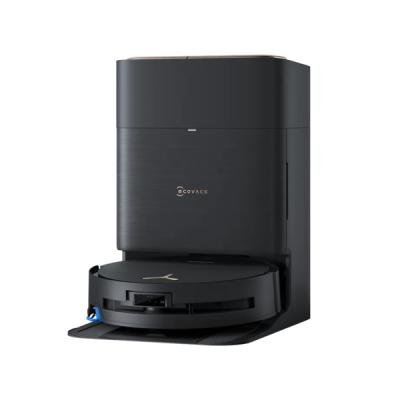
- Big-ticket items ($200+): a stand mixer, a robot vacuum, a honeymoon fund. Keep to 10–20% of your list — these work best as group gifts (more on that below).
Most Popular Wedding Gift Ideas on Cadou.me




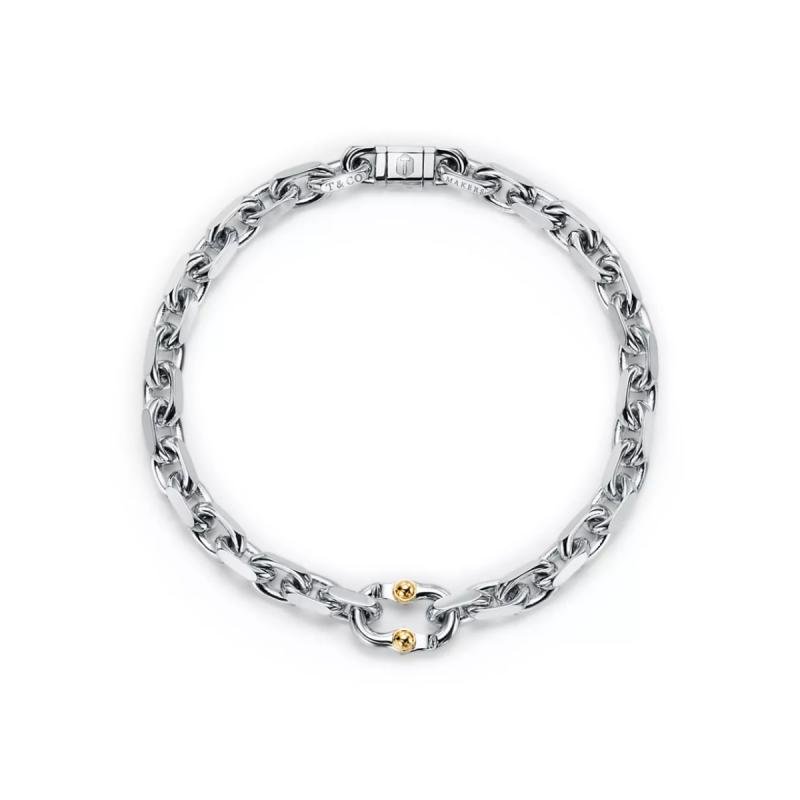
Step 5: Share Your Wedding Registry Link with Guests
- On your wedding website — a dedicated "Registry" or "Gift List" page.
- In the invitation email or digital card — a short line like "Our wishlist: cadou.me/@ana-and-ion".
- In your WhatsApp or Viber family group — post it before the formal invitations go out so early planners can start browsing.
- On your Instagram or Facebook story about a month before the wedding, framed as "our registry is live."



Create Your Wedding Gift List
Free · Gifts from any store · One link for all your guests
Start Your WishlistCoordinating Group Gifts for Big-Ticket Wedding Items
- Add the big-ticket item to your wedding wishlist as usual — a stand mixer, a robot vacuum, a weekend getaway certificate.
- One organiser in your friend group (typically the maid of honour or best man) creates a WhatsApp or Viber group with people who want to chip in.
- The organiser collects contributions from the group and reserves the item on Cadou.me under their name — so other guests see it is taken.
- The group buys the gift together and presents it at the wedding. Simple, coordinated, no duplicates.
Wedding Gift Lists by Category: Bride, Groom, Guests & More

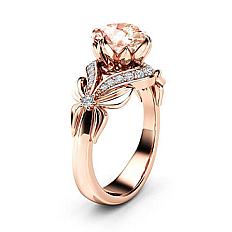
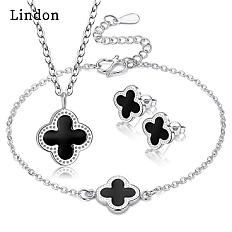
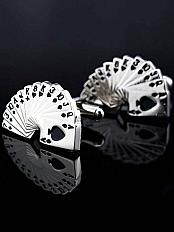
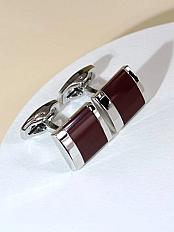
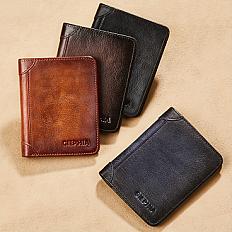


Explore All Wedding Collections
Curated gift ideas for the bride, groom, parents, friends & more
View Wedding GiftsWedding Registry Tips That Actually Matter
- Publish your list within 2 weeks of announcing the engagement. People start buying gifts early. If your wish list is not live when they hear the news, you will end up with duplicates and generic presents.
- Use the notes field on each wish. Write specifics: "Kitchen towels — we have light grey walls, prefer neutral colours." Saves a guest from buying neon yellow.
- Include a few surprises. A board game, a specific cookbook, a quirky gadget. A few unexpected items make your registry feel personal rather than like a corporate catalogue.
- Follow up on stale reservations. If a guest reserved something but you suspect they never purchased it, message them directly. Only the person who reserved can cancel the reservation from their end — once they do, the item reappears for other guests automatically.
- Send a reminder one month before the wedding. A polite nudge in your WhatsApp group at the four-week mark consistently drives a wave of last-minute reservations.
- Create separate lists for different occasions. A "Wedding" list for the main event, a "Honeymoon" list for experience-based gifts, a "New Home" list for practical household items. Cadou.me lets you create unlimited wishlists, so use that.
Gift Lists for Related Occasions: Engagement, Housewarming & More

Wedding Wishlist FAQ
Guests can browse your wishlist freely without any account. To reserve a specific gift, they sign in with Google or create a free Cadou.me account (takes under a minute). This ensures each reservation is tied to a real person and there are no phantom reservations.
Aim for at least 1.5 times your guest count. Inviting 80 people? Add 100–120 items spread across different price ranges. Too few items means popular gifts run out fast and late-comers feel stuck. Too many is never a problem — unreserved items simply stay on the list after the wedding.
Yes — once a guest marks a reserved item as Gifted, their name appears on the wish card. You can scroll through your list and see who gave what. Before that, reserved items simply show as taken without revealing the name, which preserves the surprise element if that matters to you.
Cadou.me does not have a built-in money-pooling feature, but couples solve this easily: one person in the friend group (usually the maid of honour or best man) organises contributions via a WhatsApp group, collects the money, and reserves the item on Cadou.me under their name. The group buys the gift together and presents it at the wedding. Simple and effective for honeymoon experiences, premium appliances, or travel vouchers.
Yes, 100% free. Unlimited wishlists, unlimited wishes, gifts from any online store, and no transaction fees. Cadou.me is a wishlist and registry platform — not a checkout service. Guests buy gifts directly from the original store at whatever price the store offers.
Only the person who made the reservation can cancel it. If you suspect a guest reserved something but did not follow through, send them a polite message. Once they cancel the reservation on their end, the item reappears on your list for other guests to claim. We recommend checking in a few weeks before the wedding to ensure everything is on track.
As early as possible — ideally within two weeks of announcing the engagement. Close family and friends start thinking about gifts immediately, and the earlier your list goes live, the more meaningful gifts get claimed by people who genuinely care. Do not wait for the invitations to go out; by then you have already missed weeks of gift-giving intent.
Absolutely. That is the whole point of Cadou.me. Paste a product link from IKEA, Amazon, Etsy, a local boutique — any store with a product page. The platform pulls the title, image, and price automatically. Your guests see one clean, unified list regardless of how many different stores the gifts come from.
Start Your Wedding Wishlist Today
Create Your Wedding Registry
Free · Gifts from any online store · One link for all your guests
Start Now — It's Free


